Load Timeline
The Load button compiles the events from the selected source studies into the timeline table. Loading also locks the source-study selection so the displayed timeline stays consistent with the studies it was built from. The Load button is hidden while the timeline is loaded.
Loading the Timeline
Before loading, open a Timeline Study and check the studies to include in the Generator Studies list.
To load the timeline:
- Click the Load button.
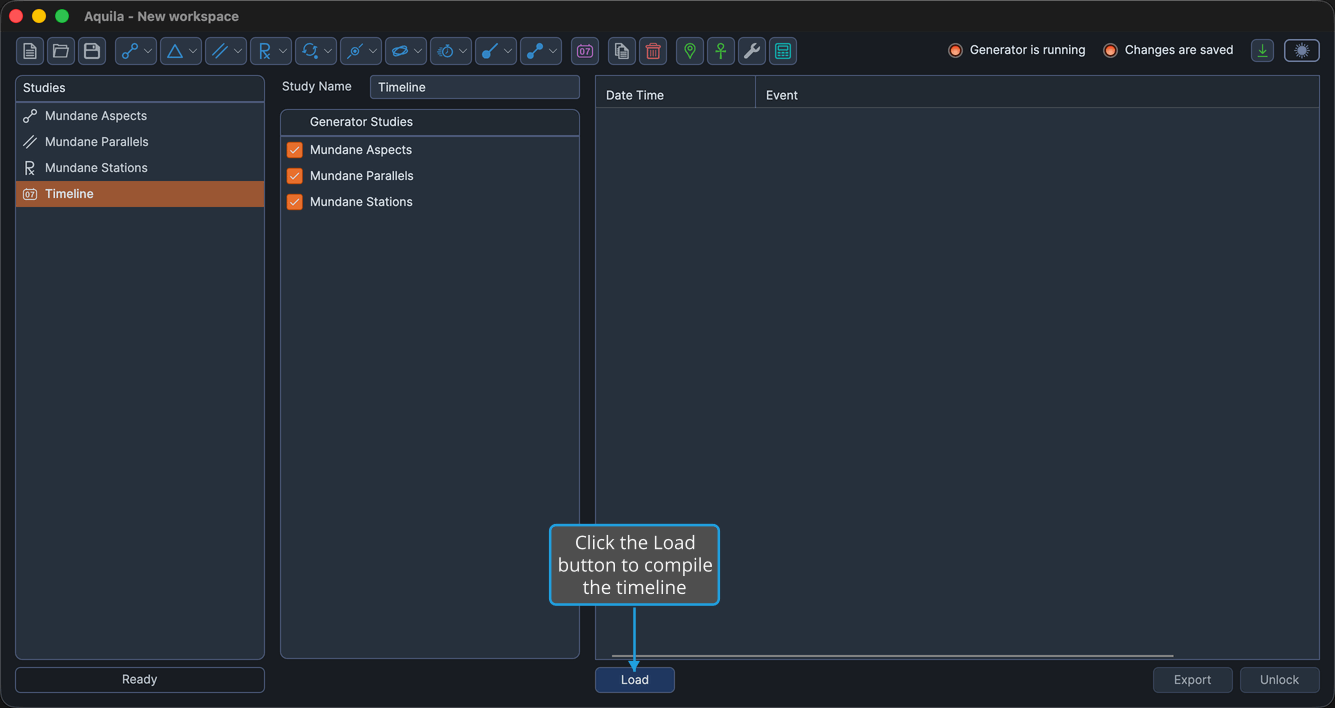
The timeline table fills with the combined events in chronological order. To change which studies feed the timeline afterward, unlock the Timeline Study and load it again.