Copy Event Date and Time
The Copy Event Date and Time command places the full date and time of the selected event on the system clipboard so you can paste it into another application.
Copy an Event's Date and Time
To copy an event's full timestamp to the clipboard:
- Right-click an event row in the events table.
- Click the Date and Time menu item in the context menu.
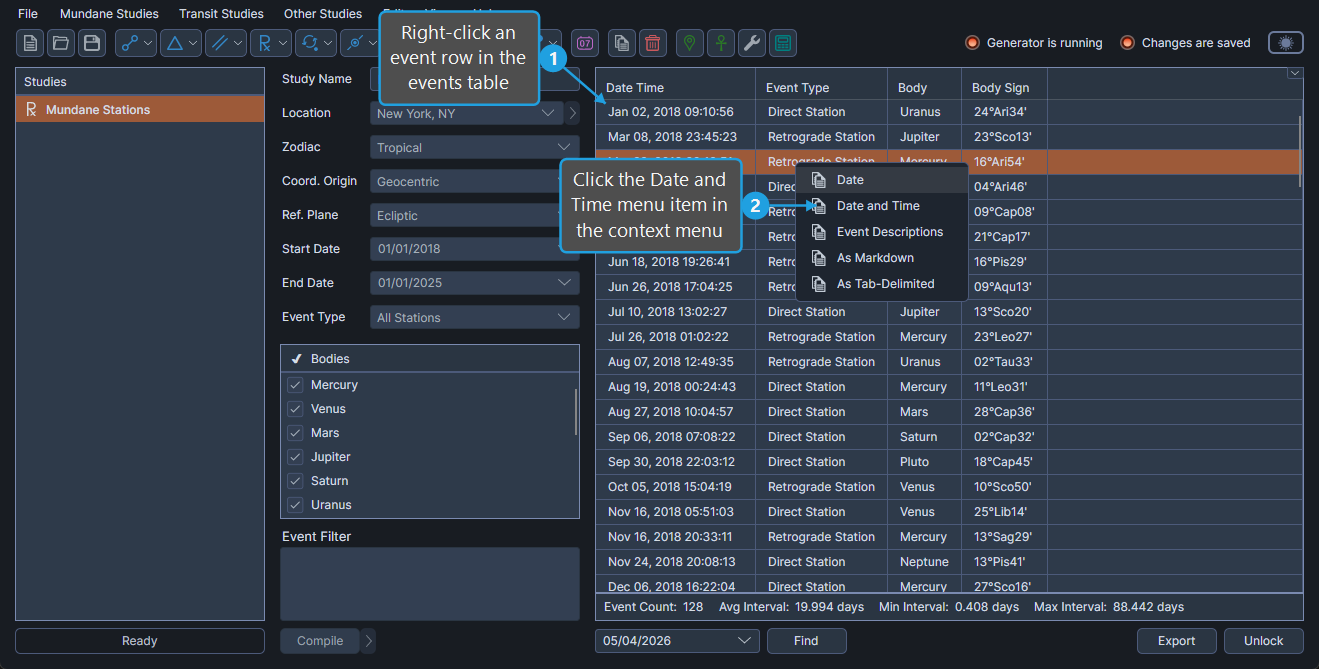
The event's full timestamp is placed on the clipboard, ready to paste into another application.