Export Events to CSV
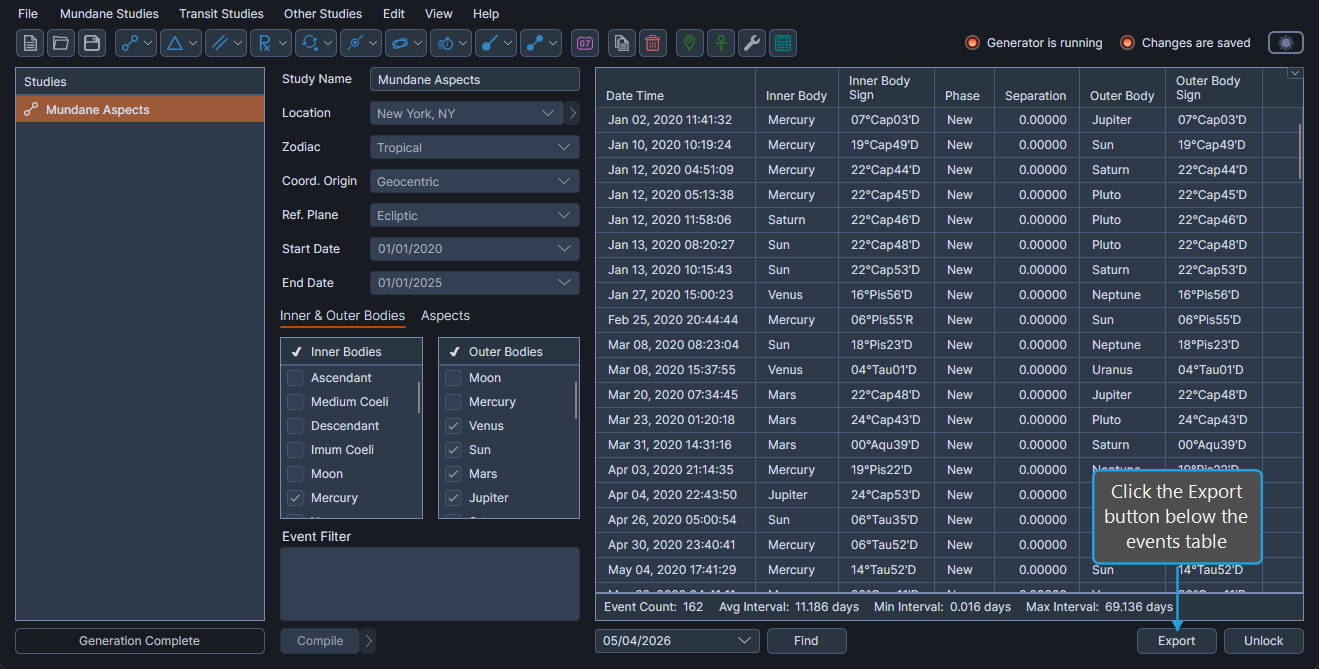
The Export Events to CSV command writes every event in the events table to a CSV file. The Export button below the events table is enabled only after a successful event generation run, and the export contains all generated events regardless of selection.
Export Events to a CSV File
To export every event from the events table to a CSV file:
- Click the Export button below the events table.
- Choose a destination folder, enter a file name in the file-save dialog, and click Save.
Aquila writes the CSV file to the chosen path. Every event in the events table is included.