Unlock Study
Results usually prompt a follow-up question: a wider orb, an extra body, a longer date range. Unlocking returns a study to its editable state so it can be adjusted and generated again, rather than discarded and rebuilt from scratch.
A study locks as soon as its events have been generated. Its settings become read-only and its results stand, so what is on screen always matches the configuration that produced it. The Unlock button is at the bottom-right of the results column, beside Export, and is enabled only while the study is locked.
Unlocking discards the study's generated events. They are deleted, not hidden, and the only way to get them back is to generate them again. Export or copy anything you want to keep before you unlock. See Export Events.
Unlock a Study
Unlocking is a confirm-then-delete path. Clicking Unlock first asks "Unlock the study? The events for the study will be deleted when the study is unlocked," and only an affirmative answer clears the results.
To unlock a study so its settings can be changed:
- Click the Unlock button at the bottom-right of the results column.
- Click Yes to confirm that Aquila should delete the study's events.
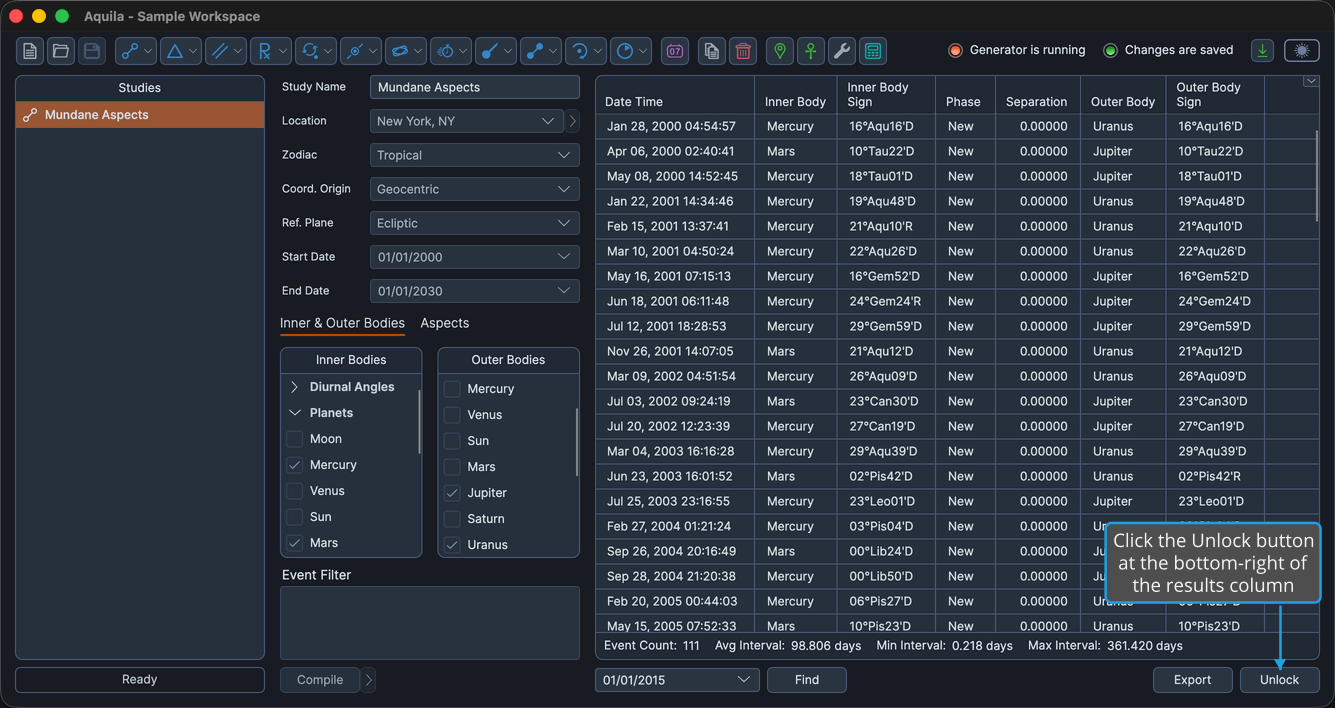
Aquila discards the generated events, every setting becomes editable again, and the Run button returns in place of the Find controls. Adjust the settings, then generate the events again. See Generate Events.
Keep the Study Locked
If the warning changes your mind, the confirmation is the place to back out.
To leave the study locked and its results intact:
- Click the Unlock button at the bottom-right of the results column.
- Click No to leave the study's events in place.
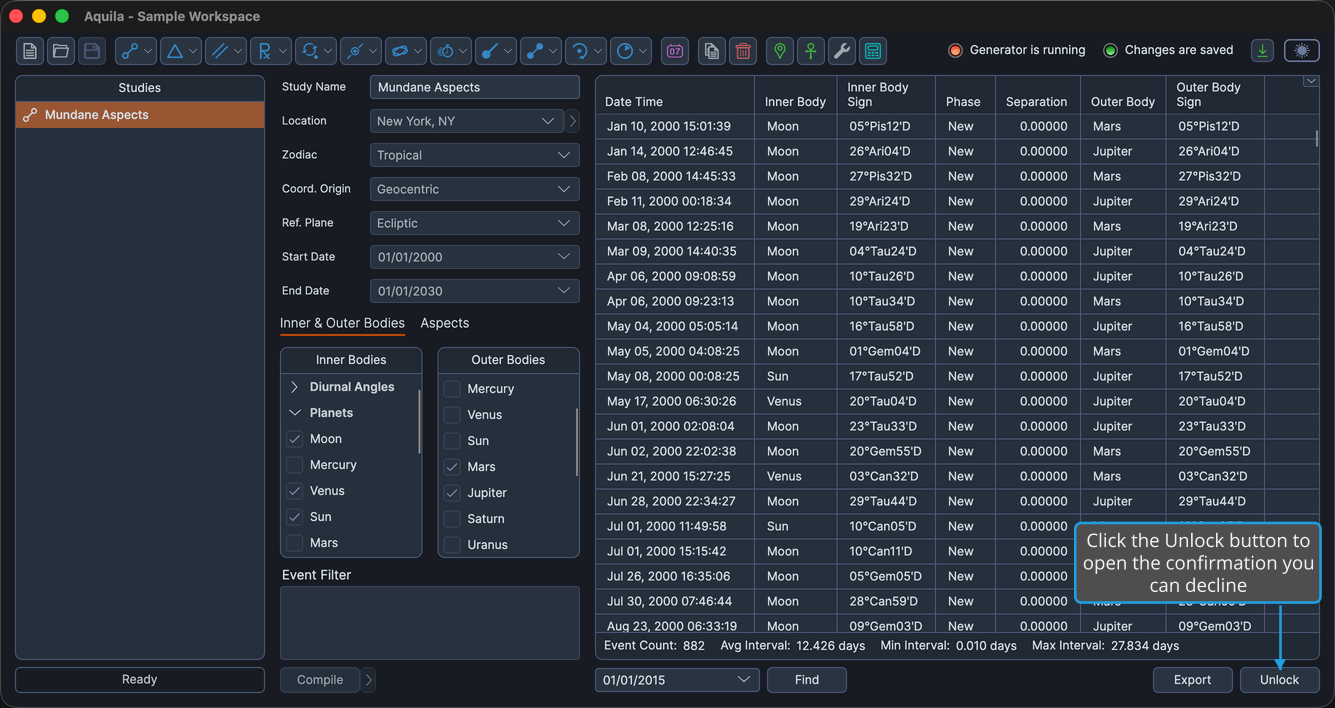
The study stays locked, its settings stay read-only, and its generated events stand.
Timeline Studies
This page covers the forty-eight generator studies. The Timeline study's Unlock button runs a different command, and that one asks for no confirmation: it discards the loaded events immediately. See Unlock Timeline.