Export Natal Records
A record collection can represent years of work, and it is worth having a copy outside the application's own storage. Export writes the whole collection to a CSV file, one row per record, from the Natal Records Editor's Data menu.
Export the Natal Record Collection
Open the Natal Records Editor first, as described in Open the Natal Records Editor. Then:
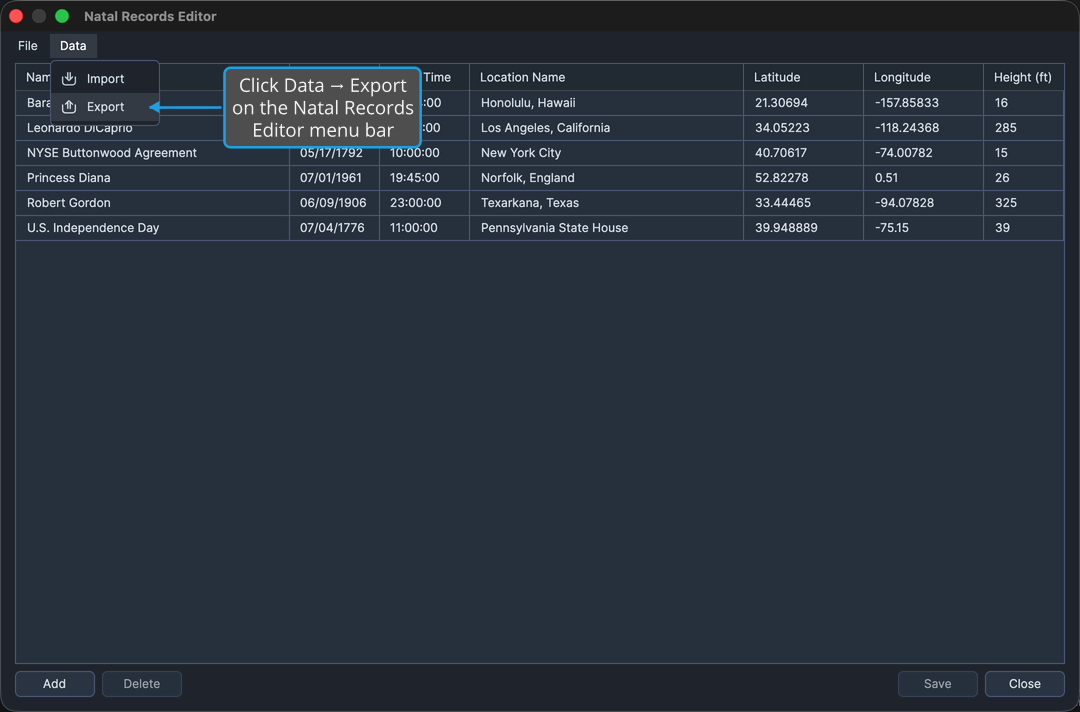
- Click Data → Export on the Natal Records Editor menu bar.
- Name the file and pick where to write it, as described in Choose a Destination in the Save File Dialog.
Aquila writes the whole collection to the chosen file, one row per record. To back out without writing anything, see Cancel the Save File Dialog.
Export is unavailable while the collection is empty, so there is always at least one named record in the file it produces.