Reorder Event Columns
You can rearrange the events table's columns into whatever order suits your reading, moving the metrics you use most toward the left.
Reorder a Column
To move a column:
- Drag a column header left or right to reposition it.
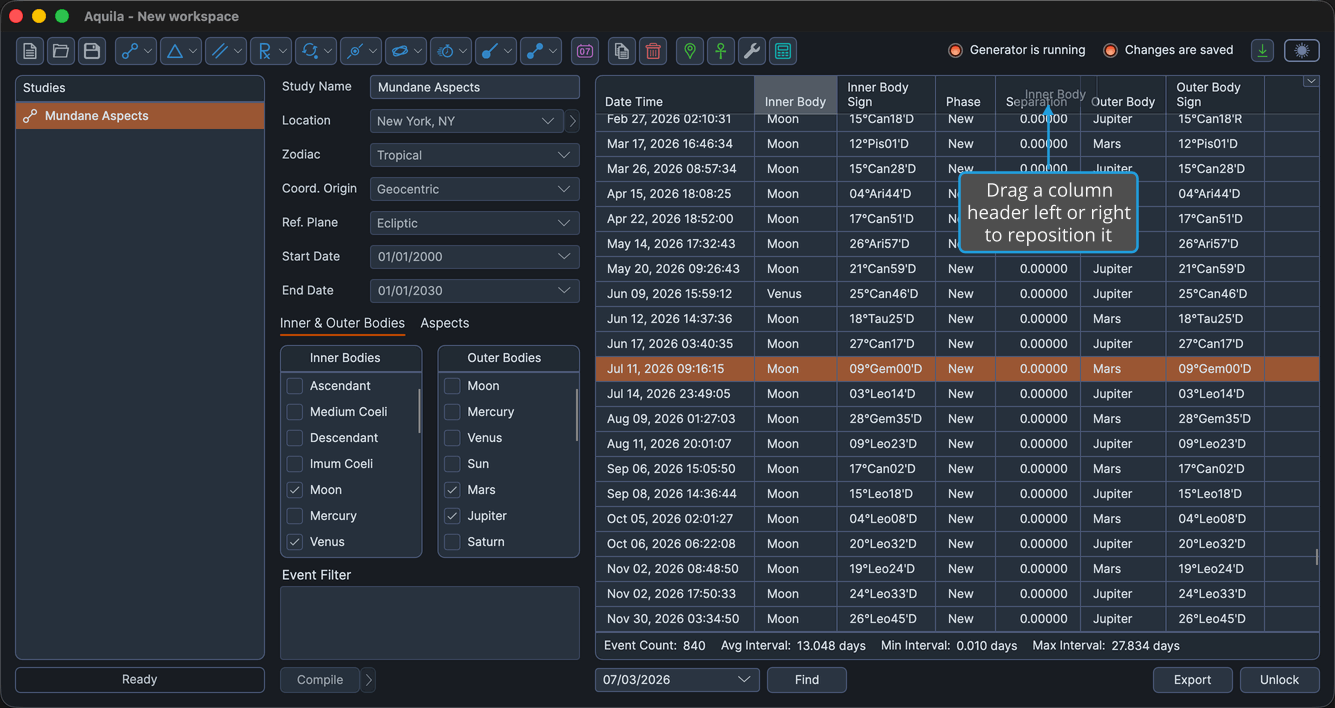
The column moves to the position where you release it, and the surrounding columns shift to make room. To keep a column arrangement for later, save it as your default layout.