Record and Point Count
Confirm how many records or points a study's generation produced. When generation completes, read the count in the bar beneath the ephemeris table or the graph.
Read the Count
The bar directly beneath a study's results shows how much the last generation produced. Its label depends on the study type:
| Study Type | Label | What It Counts |
|---|---|---|
| Ephemeris | Record Count: | The records in the ephemeris table. |
| Aspect Ephemeris | Record Count: | The records in the ephemeris table. |
| Graphic Ephemeris | Point Count: | The sample times plotted on the graph. |
| Graphic Aspect Ephemeris | Point Count: | The sample times plotted on the graph. |
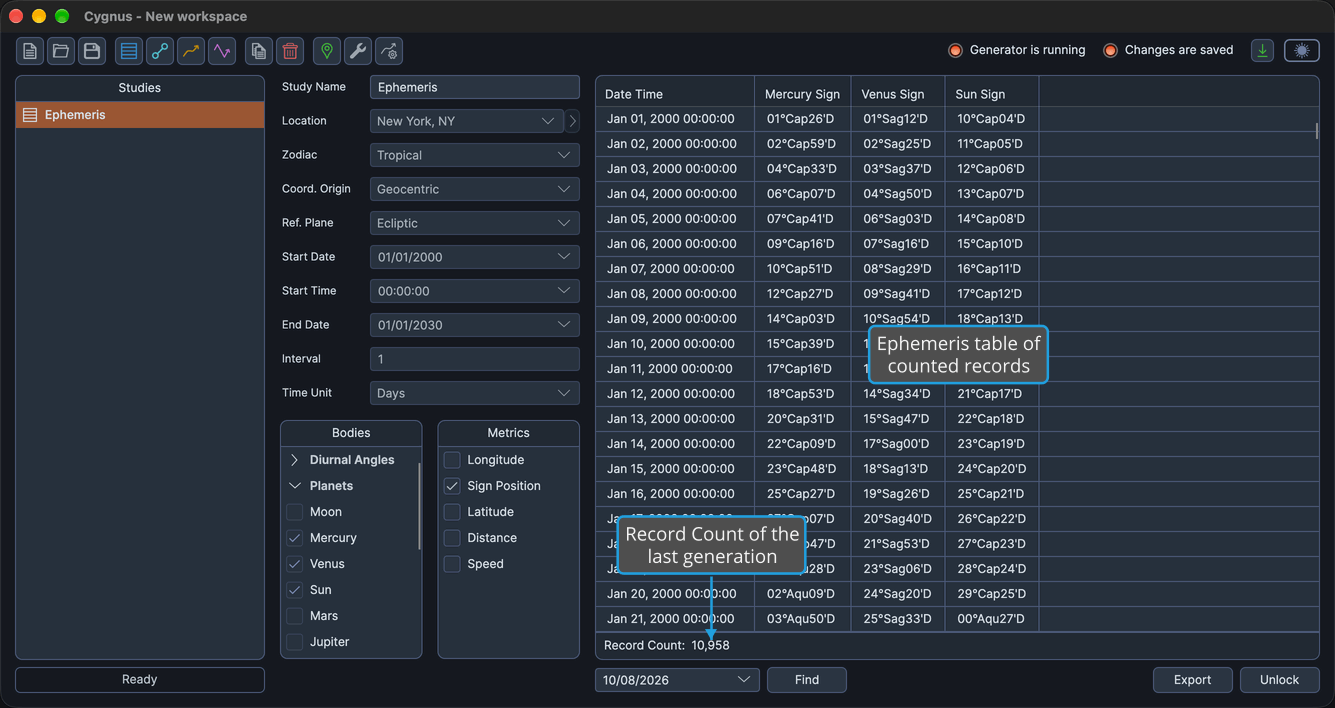
The count fades in when generation completes. While the study has no results, for example before it is first generated or after it is unlocked, the bar is blank.
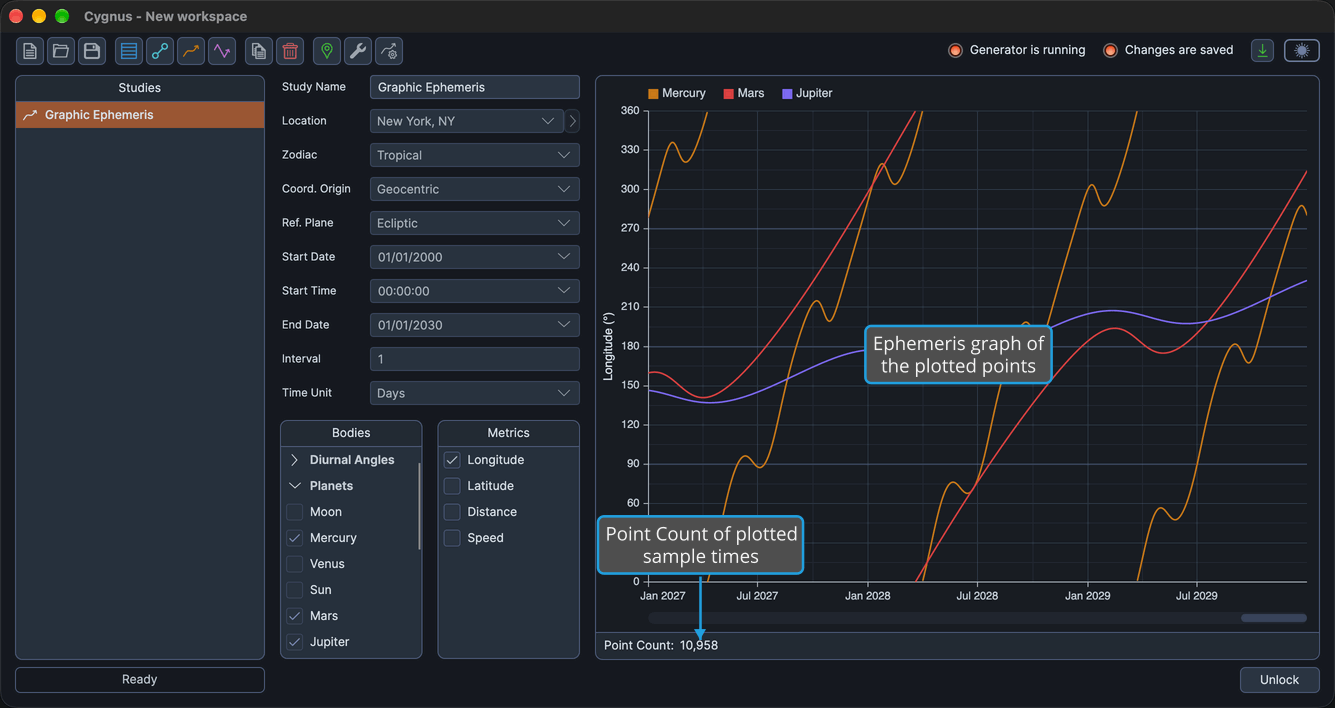
To produce the results, see Generate Study.
Related Topics
- Generate Study: produce the records or graph of a configured study.
- Ephemeris Table: read the records of an Ephemeris or Aspect Ephemeris study.
- Ephemeris Graph: read the graph of a Graphic Ephemeris or Graphic Aspect Ephemeris study.
- Unlock Study: return a generated study to its editable state.