Date Range
The Date Range panel bounds the span of time a study scans for events. When you generate events, the study searches only between the start and end dates you set here.
Setting the Date Range
The panel provides two fields: a Start Date and an End Date. Together they define the period the study examines.
To set the period a study scans:
- Set the Start Date and End Date fields to the beginning and end of the span you want to examine.
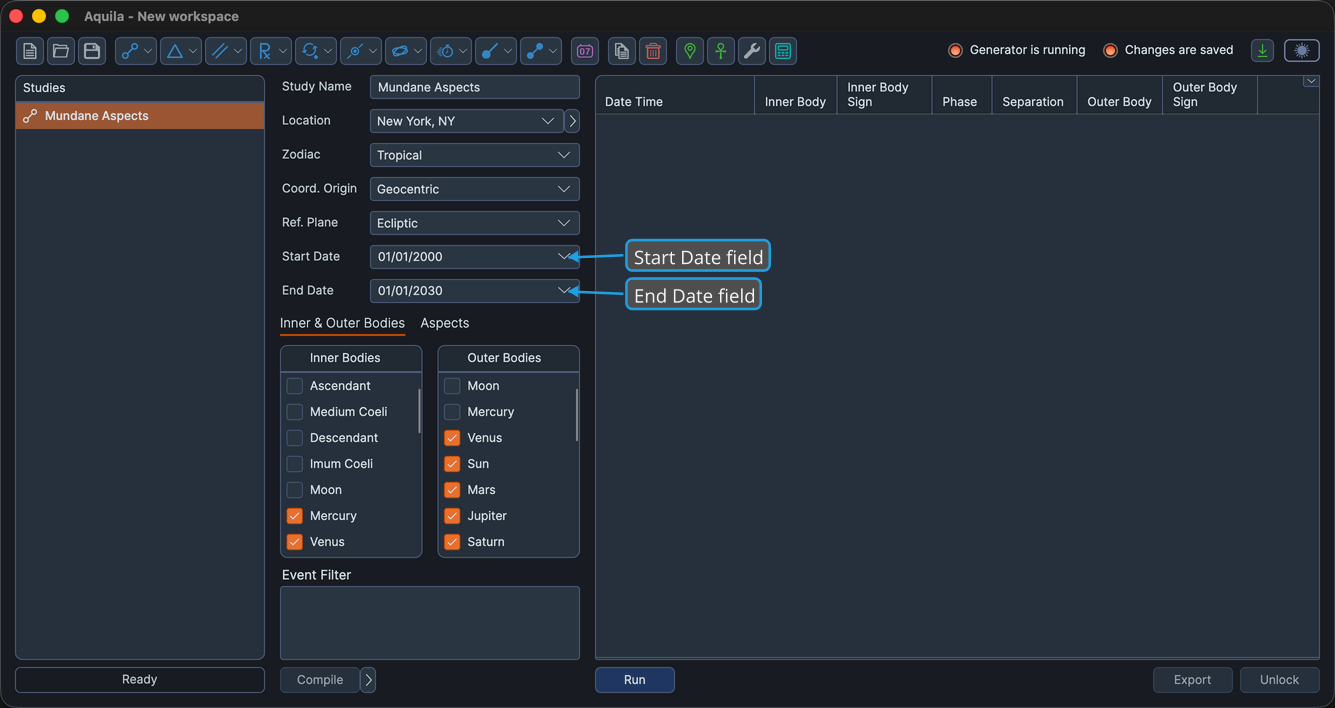
Once you generate events, the study includes only the events that fall within this range.
note
Each event's date and time is computed in the time zone of the location chosen in the study's Ephemeris Settings.