Study Name
Every study has a Study Name field at the top of its configuration area. The name you enter identifies the study in the Studies list on the left of the main window, so a descriptive name makes it easy to tell your studies apart when a workspace holds several.
Naming a Study
The Study Name field accepts free text and updates the Studies list as you type.
To name a study:
- Type a name into the Study Name field.
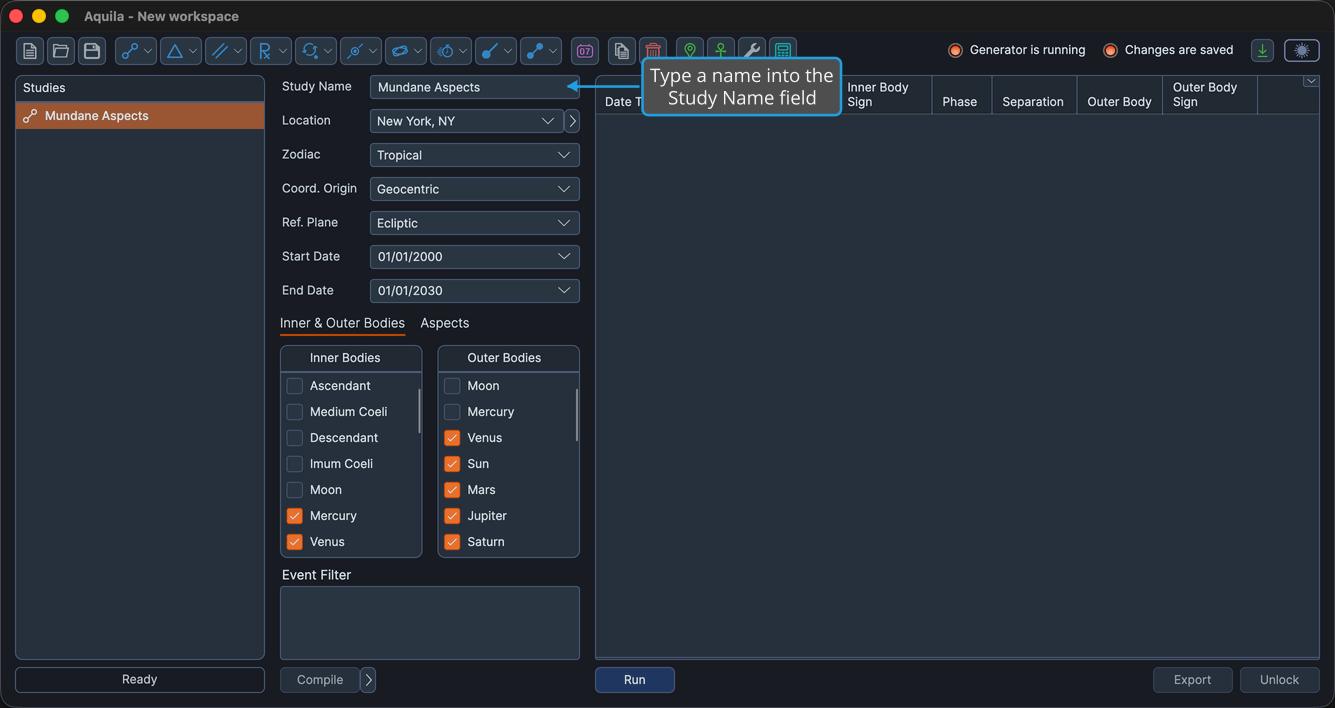
The name you enter appears immediately in the field and in the Studies list.
tip
Choose a name that captures the study's purpose, such as the bodies or date range you are examining, so you can recognize it at a glance later.