Study Date Range
You investigate a specific historical or future window, and the range decides both what a study finds and how long it takes to generate. The Start Date and End Date fields bound that window.
Both are masked date pickers, so a date can be typed straight into the field as well as picked. Both arrive holding the workspace's default dates, which come from the Application Defaults by way of the Workspace Defaults.
Set the Study Date Range
Both fields already show a date, so change only the end of the range you want to move:
- The period the study searches: the Start Date and End Date fields. Together they bound the span the study looks through.
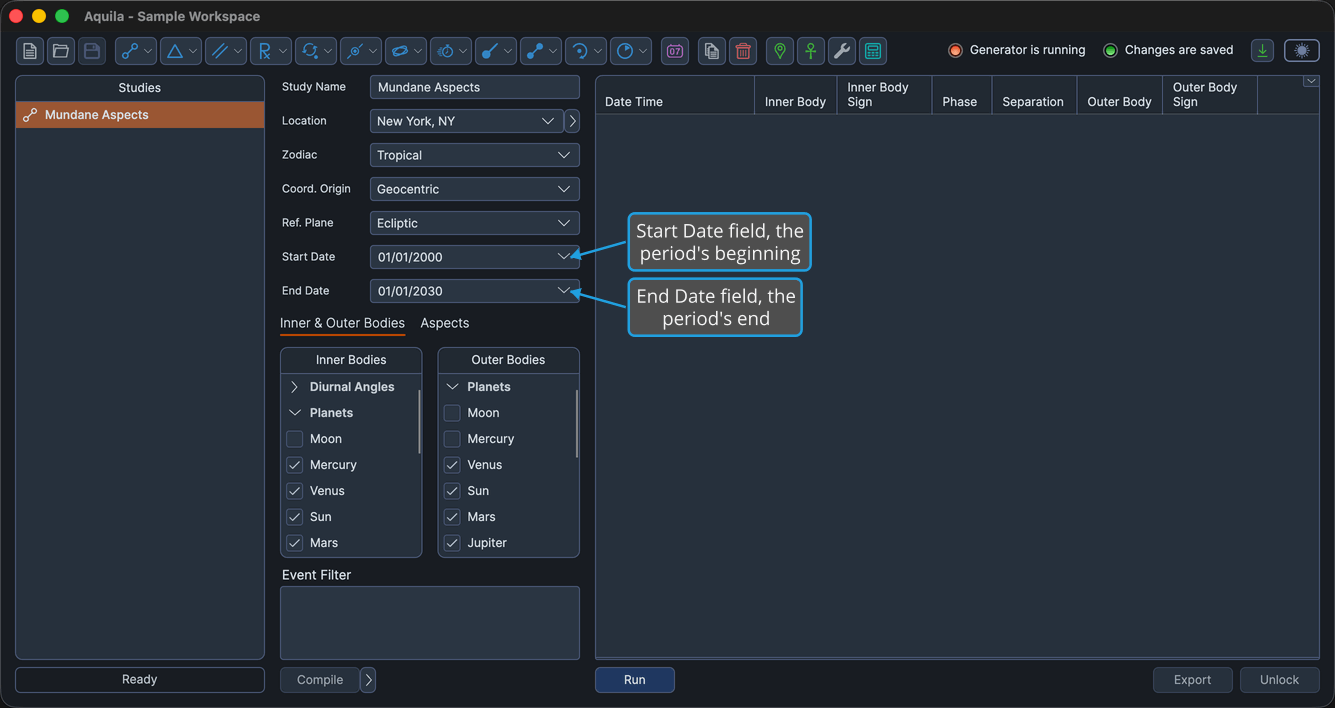
Neither field depends on the other, so either can be adjusted on its own.
A wide range is the single biggest influence on how long a study takes to generate and on how many events it returns. Narrow the range first when a study is slow.
Once a study's events have been generated the fields are locked. Click the Unlock button to make them editable again, which discards the study's generated events. See Unlock Study.